Lake Heckaman

Realtime GPU Erosion Simulation in TouchDesigner | Complete Tutorial

Mark Tutorial Completed! Perfect. Here’s your SEO-optimized YouTube description: — **GPU-Accelerated Realtime Erosion Simulation in TouchDesigner | Complete Tutorial** Learn how to use my new **Realtime Erosion Simulation component** for TouchDesigner – a GPU-powered tool for creating interactive, evolving landscapes with rain, sediment transport, and terrain modification. This tutorial walks through every feature, from inputs […]
Gaussian Splat montage with TouchDesigner

Mark Tutorial Completed! splats of 2025 – a year of travel, personal discovery and liminal spaces many thanks to @touchdesigner and everyone else who has supported me this year xtra special thanks to @___pet___ who has soundtracked this year and (probably next) with their album Friend, which is a true masterpiece Track – Peel by […]

Color Grading .tox for TouchDesigner with Exposure Curves, Color Wheels and more tools

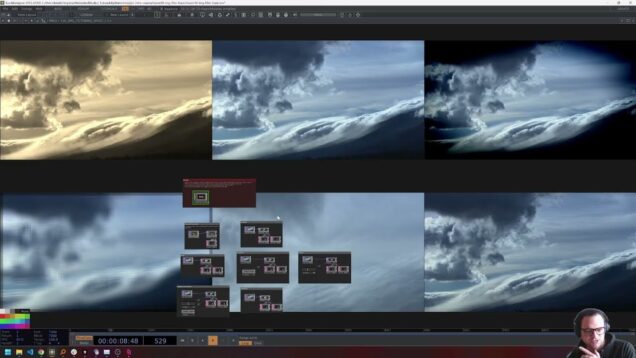
Mark Tutorial Completed! Level up your real-time visuals with this advanced TouchDesigner color-grading system—a full HDR tonal-zone workflow, color wheels and selective RGBCMY controls designed for artists who want professional-grade results inside TD. In this tutorial, I walk through the entire component, how it works under the hood, and how to integrate it into your […]

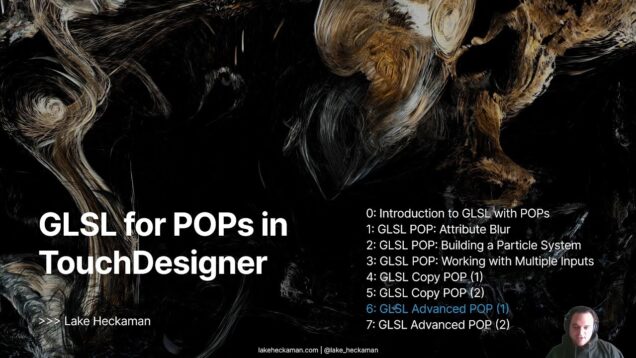
GLSL for POPs in TouchDesigner: Lesson 7 (GLSL Advanced POP – Voronoi Fracture pt. 2)

Mark Tutorial Completed! You made it!! In this final lesson, we take the Voronoi region data from Part 1 and extract the actual crack lines where two Voronoi cells meet. This is where the effect comes alive. Using GLSL, we detect exact boundary crossings on triangle edges and reposition prebuilt line segments entirely on the […]

GLSL for POPs in TouchDesigner: Lesson 6 (GLSL Advanced POP – Voronoi Fracture pt. 1)

Mark Tutorial Completed! In this lesson of GLSL in POPs, we build the foundation of a fully GPU-driven Voronoi system using GLSL Advanced POP to classify a mesh into clean, real-time Voronoi regions. We take a triangulated mesh, project it into 2D space, and compute the nearest Voronoi site for every vertex directly on the […]

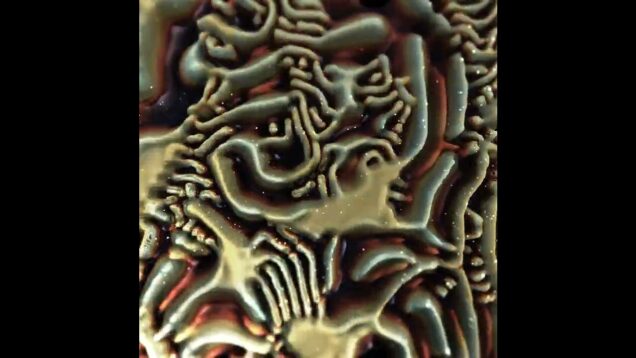
Gray Scott Reaction Diffusion in TouchDesigner – Lake Heckaman

Mark Tutorial Completed! testing out some updated rendering for my multi-scale gray-scott reaction diffusion system (and really wishing i had a legit microscope) render inspired by @_mini_uv simulated and rendered in real-time using @touchdesigner

GLSL for POPs in TouchDesigner: Lesson 4 (GLSL Copy POP + Phyllotaxis)

Mark Tutorial Completed! In this lesson of GLSL in POPs, we explore the GLSL Copy POP by building a procedural phyllotaxis pattern — the same spiral structure found in sunflowers and pinecones. You’ll learn how to use GLSL to position and color thousands of copies directly on the GPU, using the golden angle and square-root […]

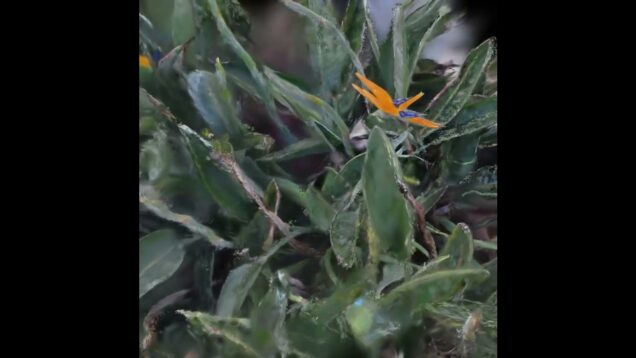
Wobbly Bird of Paradise Gaussian Splat Rendered in TouchDesigner

Mark Tutorial Completed! wobbly bird of paradise  @touchdesigner  created with @touchdesigner #interactive #interactiveinstallation #touchdesigner #glsl #creativecoding #newmediaart #realtime #generativeart

GLSL for POPs in TouchDesigner: Lesson 1 (Attribute Blur and Neighbor POP)

Mark Tutorial Completed! In this lesson of GLSL in POPs, we create a motivational example: building an Attribute Blur component using the NeighborPOP and a GLSL POP. Attribute blur is a classic computer graphics technique where the value of an attribute is smoothed by averaging over its neighbors. This is a powerful way to create […]

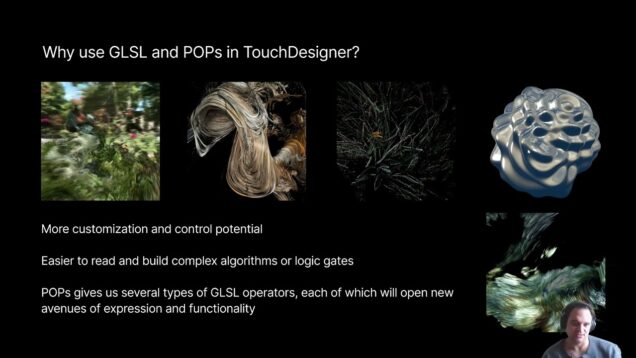
GLSL for POPs in TouchDesigner: Lesson 0 (Introduction to GLSL for POPs)

Mark Tutorial Completed! In this first lesson of GLSL in POPs, we introduce how to write compute shaders for the new POP operator family in TouchDesigner. You’ll learn the fundamentals of how POPs represent data and working with attributes, the difference between GLSL TOPs and POPs, and how to create and manipulate attributes directly on […]

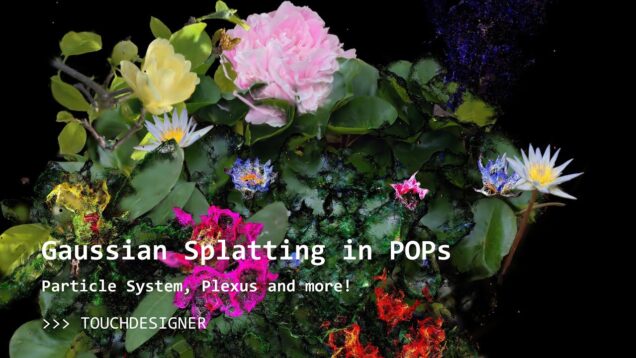
Gaussian Splats in TouchDesigner! Now in POPs!!! New Features!!!!

Mark Tutorial Completed! Well, its pretty clear at this point that POPs are awesome 🙂 I have updated my TouchDesigner Gaussian Splat toolkit for the new POPs build, and added some cool functionality that POPs makes super easy! I hope you like it and cant wait to see what you build! Features: – Use TouchDesigner […]

Splashing hypnotic fluid simulation (demo)

Mark Tutorial Completed! bringing together the palettes, motion and shading from the last several studies – im liking where this is going created with @touchdesigner Find me online: 🔹 Learn with me on Patreon: https://www.patreon.com/water__shed 🔹 Portfolio: https://www.lakeheckaman.com 🔹 Instagram: https://instagram.com/lake_heckaman #touchdesigner #newmediaart #realtime #interactiveinstallation #interactiveart #experiential

Algorithmic Hypnosis by Lake Heckaman

Mark Tutorial Completed! Always fun dusting off something and turning it into a work in progress – or maybe just algorithmic hypnosis? created with @touchdesigner Find me online: 🔹 Learn with me on Patreon: https://www.patreon.com/water__shed 🔹 Portfolio: https://www.lakeheckaman.com 🔹 Instagram: https://instagram.com/lake_heckaman #touchdesigner #newmediaart #realtime #interactiveinstallation #interactiveart #experiential

Splash – Lake Heckaman

Mark Tutorial Completed! from the archives – splash! created with @touchdesigner Find me online: 🔹 Learn with me on Patreon: https://www.patreon.com/water__shed 🔹 Portfolio: https://www.lakeheckaman.com 🔹 Instagram: https://instagram.com/lake_heckaman #touchdesigner #newmediaart #realtime #interactiveinstallation #interactiveart #experiential

Sandy Particles using POPs – Demo (lake heckaman)

Mark Tutorial Completed! Exploring POPs – here is a very simple network creating a shifting particle landscape created with @touchdesigner Find me online: 🔹 Learn with me on Patreon: https://www.patreon.com/water__shed 🔹 Portfolio: https://www.lakeheckaman.com 🔹 Instagram: https://instagram.com/lake_heckaman #touchdesigner #newmediaart #realtime #interactiveinstallation #interactiveart #experiential

unknown

Mark Tutorial Completed! [WIP] – demo cut from my new work using a series of scans from @brooklynbotanic created with @touchdesigner . . . . . #interactive #interactiveinstallation #touchdesigner #glsl #creativecoding #interactiveart #experientialart #immersiveinstallation #immersiveexperience #newmediaart #realtime #generativeart

Interactive Particle Systems from Gaussian Splats in TouchDesigner! (2025 + Mac Compatible)

Mark Tutorial Completed! Experience real-time rendering with this advanced Gaussian Splat Particle System in TouchDesigner. Utilizing 3D Gaussian splatting techniques, this system offers dynamic particle simulations and volumetric rendering capabilities, all optimized for GPU acceleration and cross-platform performance—including full support on macOS. 📌 Key Features: Real-time 3D Gaussian splatting Depth and velocity buffer outputs for […]

Mastering GLSL in TouchDesigner, Lesson 15: TouchDesigner, Shadertoy, and Beyond

Mark Tutorial Completed! Porting shaders between different environments—whether Shadertoy, TouchDesigner, WebGL, or other GLSL-based systems—is mostly a matter of updating naming conventions and adapting to specific platform constraints. Since GLSL syntax remains consistent, understanding how different environments handle uniforms, texture samplers, and function structures is key to making your shaders transferable across platforms. 📌 What […]

Mastering GLSL in TouchDesigner, Lesson 14: Intro to GLSL Simulations (2)

Mark Tutorial Completed! In this lesson, we refine our simulation workflow by using structs, functions, and multi-buffer strategies to create scalable, efficient, and maintainable GLSL simulations. By structuring particle attributes inside custom data types (structs) and implementing modular update functions, we improve code readability and simulation complexity without unnecessary computation overhead. 📌 Key Topics Covered: […]

Mastering GLSL in TouchDesigner, Lesson 13: Intro to GLSL Simulations (1)

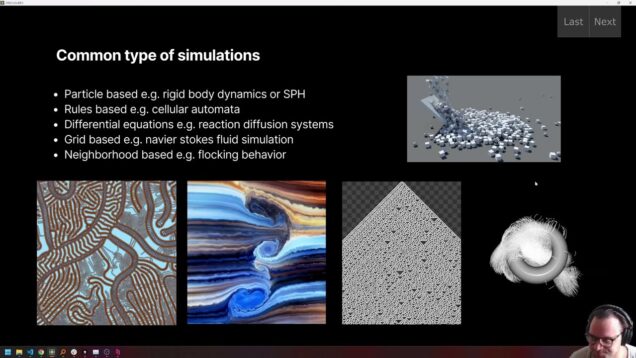
Mark Tutorial Completed! Simulations bring digital systems to life, allowing us to model fluid dynamics, particle interactions, cellular automata, and agent-based behaviors in real time. In this lesson, we break down different simulation paradigms—particle-based, rule-based, and grid-based systems—and explore how GLSL can drive complex, emergent behavior using textures, multiple buffers, and feedback loops. 📌 Key […]

Mastering GLSL in TouchDesigner, Lesson 12: Feedback Effects

Mark Tutorial Completed! Feedback loops allow shaders to reference their own past outputs, enabling evolving textures, simulations, and motion effects. In this lesson, we explore how to use GLSL for pixel sorting, displacement mapping, and generative growth solvers to create dynamic visuals. 📌 Key Topics Covered: ✅ What is a feedback loop, and why is […]
Mastering GLSL in TouchDesigner, Lesson 11: Convolution Kernels

Mark Tutorial Completed! In this lesson of Mastering GLSL in TouchDesigner, we explore convolution kernels, a powerful technique for image filtering that allows for effects like sharpening, edge detection, embossing, and Gaussian blur. You’ll learn how convolution matrices modify pixel neighborhoods and how to implement multi-pass filtering for dynamic effects. 📌 Key Topics Covered: ✅ […]
Mastering GLSL in TouchDesigner, Lesson 10: Basic Image Filtering

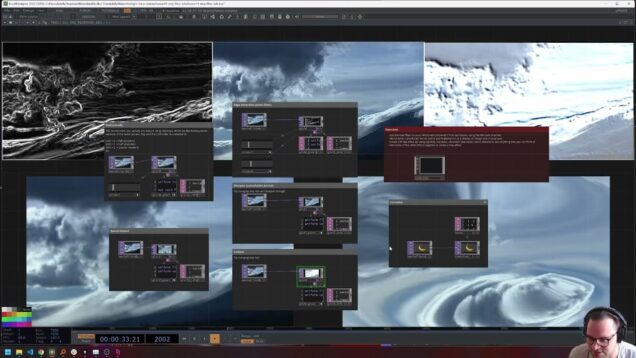
Mark Tutorial Completed! In this lesson of Mastering GLSL in TouchDesigner, we explore image filtering, a fundamental process for altering textures through pixel-based operations. You’ll learn how shaders efficiently apply color grading, convolution kernels, and post-processing effects, enabling a wide range of creative visual transformations. We’ll break down essential filters like blur, sharpen, edge detection, […]
Mastering GLSL in TouchDesigner, Lesson 9: Fractals

Mark Tutorial Completed! In this lesson of Mastering GLSL in TouchDesigner, we explore fractals, their mathematical foundations, and how to implement them in shaders. Fractals exhibit self-similarity at different scales, appearing in nature, financial markets, and computer graphics. We’ll introduce complex numbers, explain their role in fractal generation, and dive into Mandelbrot and Julia sets, […]
3D Scan Dissolve in TouchDesigner

Mark Tutorial Completed! [WIP] – From dust to dust Photogrammetry scan disintegration in @touchdesigner using the new POPs family See more of my work on my portfolio: https://www.lakeheckaman.com #interactive #interactiveinstallation #touchdesigner #glsl #creativecoding #interactiveart #experientialart #immersiveinstallation #immersiveexperience #newmediaart #realtime #generativeart #webgl #installationart #watershed #computationaldesign #realtime #artxcode #motiongrapics #codeart #generativedesign #lakeheckaman #contemporarydesign
2025 Update: Slamtec LiDAR for TouchDesigner

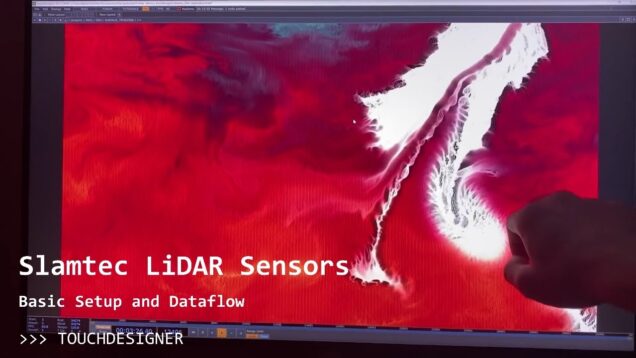
Mark Tutorial Completed! In this updated tutorial, we explore how to set up and integrate Slamtec RPLIDAR into TouchDesigner for real-time interactive installations. LiDAR (Light Detection and Ranging) is an incredibly versatile sensing technology used in interactive media, spatial tracking, and generative installations. This video walks through installing the necessary drivers, setting up the SlamtecCHOP […]

Mastering GLSL in TouchDesigner, Lesson 8: FBM Noise

Mark Tutorial Completed! In this lesson of Mastering GLSL in TouchDesigner, we explore Fractional Brownian Motion (FBM) Noise, a powerful technique for layering multiple noise functions to create complex, organic textures. You’ll learn how FBM accumulates scaled noise octaves to introduce self-similarity and fractal patterns, and how to implement it efficiently in GLSL using for […]

Mastering GLSL in TouchDesigner, Lesson 7: Cellular Noise and Voronoi Textures

Mark Tutorial Completed! In this lesson of Mastering GLSL in TouchDesigner, we explore cellular noise and Voronoi diagrams, two powerful techniques for procedural texture generation. Unlike Perlin or Simplex noise, cellular noise partitions space based on the distance from a pixel to a set of points, creating organic, structured patterns. You’ll learn how to implement […]

Mastering GLSL in TouchDesigner, Lesson 6: Basic Procedural Noise

Mark Tutorial Completed! In this lesson of Mastering GLSL in TouchDesigner, we dive into procedural noise, a fundamental tool for generating organic textures and patterns in shaders. You’ll learn about random and pseudo-random numbers, different types of noise (Perlin, Simplex, Value, Worley, Cellular, and Voronoi), and how noise functions can be used to create smooth, […]

Mastering GLSL in TouchDesigner, Lesson 5: Domain Manipulation

Mark Tutorial Completed! In this lesson of Mastering GLSL in TouchDesigner, we explore domain manipulation, a powerful technique for transforming UV space to achieve unique visual effects. You’ll learn how to translate, scale, rotate, wrap, mirror, and warp domains, allowing you to tile textures, correct aspect ratios, and create complex patterns. 📌 Key Topics Covered: […]

Mastering GLSL in TouchDesigner, Lesson 4: Drawing Shapes & Essential GLSL Functions

Mark Tutorial Completed! In this (longer) lesson of Mastering GLSL in TouchDesigner, we dive into drawing simple shapes using GLSL and common math functions that are essential for shader programming. You’ll learn how to use functions like fract(), mod(), step(), mix(), and smoothstep() to manipulate values and create dynamic visuals. We’ll also explore how to […]

Mastering GLSL in TouchDesigner, Lesson 3: Shader Macros, Color Spaces, and Bit Depth in GLSL

Mark Tutorial Completed! In this lesson of Mastering GLSL in TouchDesigner, we explore key concepts that will deepen your shader programming skills. You’ll learn about macros (#define), how to include external GLSL code, and the impact of bit depth on image precision. We’ll also break down color spaces (RGB vs. HSV) and show how to […]

Mastering GLSL in TouchDesigner, Lesson 2: Texture Sampling and Per-Texel Calculations

Mark Tutorial Completed! In this lesson of Mastering GLSL in TouchDesigner, we dive into texture sampling and per-texel calculations, exploring how shaders process images at the pixel level. You’ll learn about gl_FragCoord, UV coordinates, and the difference between texture() and texelFetch(). We’ll also cover practical applications like creating gradients, flipping textures, and manipulating image data […]

Mastering GLSL in TouchDesigner, Lesson 1: Writing your First Shader in TouchDesigner!

Mark Tutorial Completed! In this lesson of Mastering GLSL in TouchDesigner, you’ll set up your first GLSL TOP and write a basic shader from scratch. We’ll cover essential concepts like uniforms, textures, and output buffers, giving you a solid foundation for GPU programming. By the end, you’ll understand how shaders execute per pixel and how […]

Mastering GLSL in TouchDesigner, Lesson 0: Parallel Computing Conceptual Foundation

Mark Tutorial Completed! Unlock the power of GLSL programming in TouchDesigner with this comprehensive introduction. Whether you’re just starting out or looking to deepen your understanding, this course takes you from foundational concepts to advanced techniques like noise generation, image filtering, simulations, and instancing. Learn how to write shaders, manipulate textures, and optimize real-time graphics […]

Floating Bubbles in TouchDesigner with Refractive PBR Material!

Mark Tutorial Completed! Take your refractive shader skills to the next level by integrating them into a Physically-Based Rendering (PBR) pipeline! 🌌 In this follow-up tutorial, we’ll create a stunning scene of bubbles floating through the air, showcasing realistic refraction, chromatic dispersion, and light interaction within a PBR framework. Learn how to combine multiple render passes, advanced […]

Refraction, Transparency and Dispersion: GLSL Materials in TouchDesigner

Mark Tutorial Completed! Explore the mesmerizing world of refraction, dispersion, and chromatic aberration in 3D scenes! 🌈 This video dives into shader effects inspired by real-world light physics, including bending light through transparent meshes, achieving chromatic dispersion, and multi-pass rendering. Learn how to use tools like TouchDesigner and GLSL to create stunning real-time visuals featuring […]

SDF Interference Patterns in TouchDesigner

Mark Tutorial Completed! In this update to an earlier video, I will show you how to draw interference patterns on screen with a mouse, as well as how to use any type of SDF (not just a circle) to create interesting, dynamic patterns interactively. We will also look at writing simple python in TouchDesigner, using […]

Cymatics in TouchDesigner

Mark Tutorial Completed! Cymatics are an amazing phenomenon created by resonant waves, which cause sand or other small particles to form beautiful, self-organized patterns. A very common example of cymatics are Chladni plates, a special case of this cool effect! In this tutorial, we will first understand what cymatics are and how they function, then […]

Gray-Scott Reaction Diffusion in TouchDesigner (Part 2)

Mark Tutorial Completed! Take your reaction-diffusion system even further in this tutorial, which will teach you how to tweak your shader for easy tiling + rendering on a sphere, build a quick-and-easy preset system to keep track of different parameter settings, and add interaction with the mouse! Building on Part 1, available here: https://youtu.be/1k_uPHcV6BA Find […]

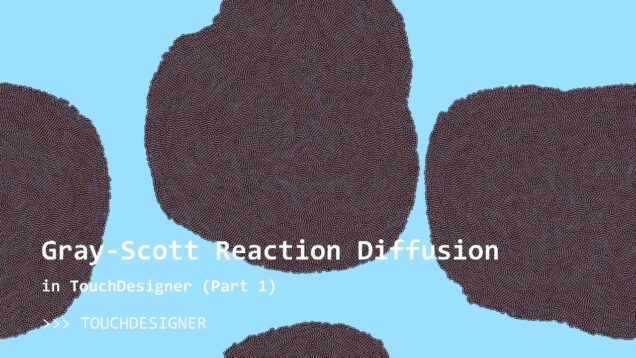
Gray-Scott Reaction Diffusion in TouchDesigner (Part 1)

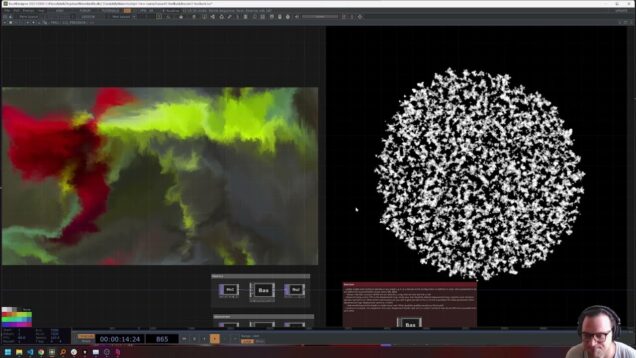
Mark Tutorial Completed! Learn to simulate the awesome Gray-Scott reaction diffusion system in TouchDesigner, using GLSL shaders. We discuss the mathematical basis of the system, how to implement it in shaders, tiling, and how to color the simulation using any palette! Find me online! My portfolio: https://lakeheckaman.com Instagram: https://www.instagram.com/lake_heckaman Project Files on Patreon: https://patreon.com/water__shed Gray […]

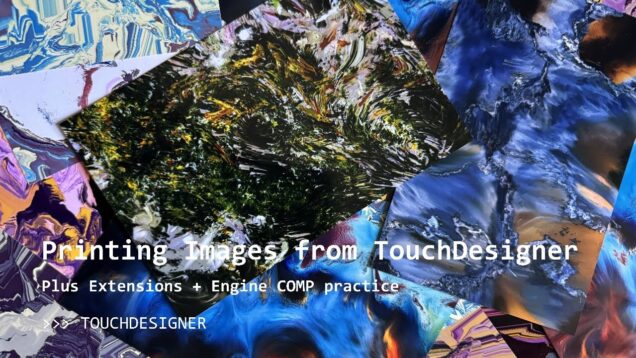
Printing Still Images from TouchDesigner

Mark Tutorial Completed! This quick tutorial will show you how to use easy command line – style tools (along with TouchDesigner’s functionality) to print any TOP to any printer in real time. We will be making use of extensions and Engine COMPs in doing so, making it a great practice project for these topics too! […]

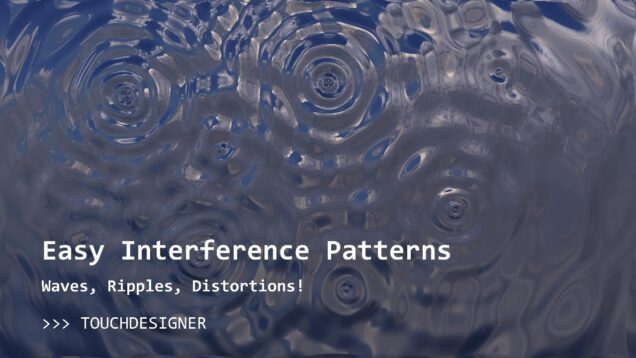
Wavy Interference Patterns in TouchDesigner

Mark Tutorial Completed! Use simple equations to create complex, dynamic wave patterns, ripples and distortions with TouchDesigner! We will take a look at (just a little bit) of math and theory, using this to create a simple feedback system to generate our visual effect. Click-based interactions make it super easy to experiment with this system […]

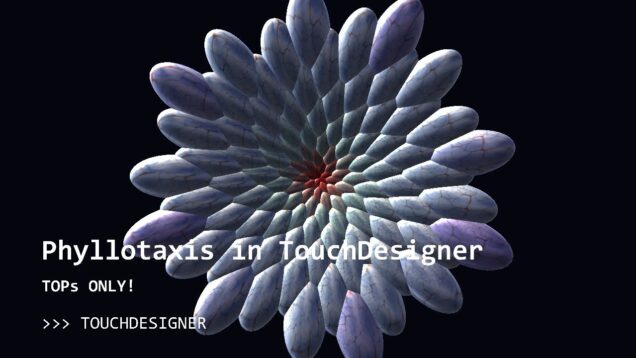
Phyllotaxis in TouchDesigner, no GLSL!

Mark Tutorial Completed! A reprisal of my last tutorial on animating phyllotaxis in TouchDesigner, this time using only TOPs for anyone who feels more comfortable there! Project file available to all my Patreon members – all tiers!! Enjoy! Project files on Patreon: https://www.patreon.com/posts/109588861 My portfolio: https://www.lakeheckaman.com My Instagram: https://www.instagram.com/lake_heckaman Resources: Cool intuition building applet about […]

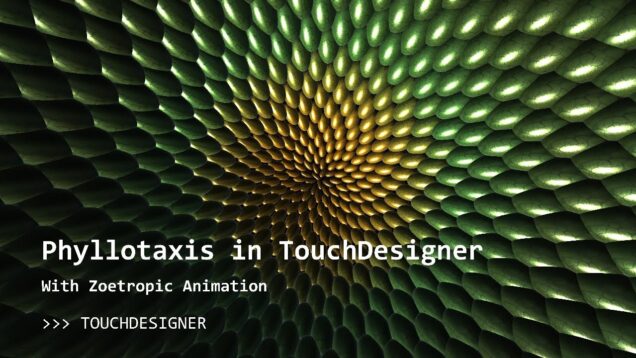
Modelling Phyllotaxis and Zoetropes in TouchDesigner

Mark Tutorial Completed! Model the beauty and complexity of all sorts of plants using a simple – to – program algorithm in TouchDesigner! We will write a short GLSL shader that will implement 2D phyllotaxis, the process by which plants add new organs to their structure (e.g. petals, leaves, seeds, florets). This fascinating algorithm gives […]

Render Pick without MultiTouchInDAT in TouchDesigner

Mark Tutorial Completed! Use any sort of interaction data for render picking, without the MultiTouchDAT! I will show you how to use any chop-based data as a source for render picking, applying these interactions to alter a point cloud instance-by-instance! We will scale, move and recolor instances with ease. If you dont see the point […]

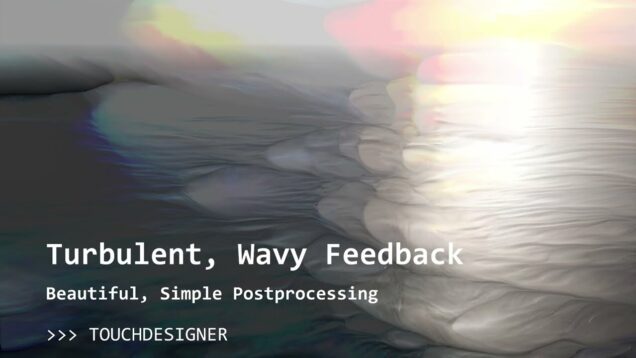
Turbulent, Wavy Feedback System in TouchDesigner

Mark Tutorial Completed! Back to basics! In this video, we will create a wonderful feedback system from scratch, generating lovely waves and turbulent dynamics from any input texture (photo or video). I have included an additional post-processing .tox in the project file for my Patreons, available here: https://www.patreon.com/posts/turbulent-wavy-105027982 P.S: I forgot to mention in the […]

Render Pick DAT with Instances in TouchDesigner

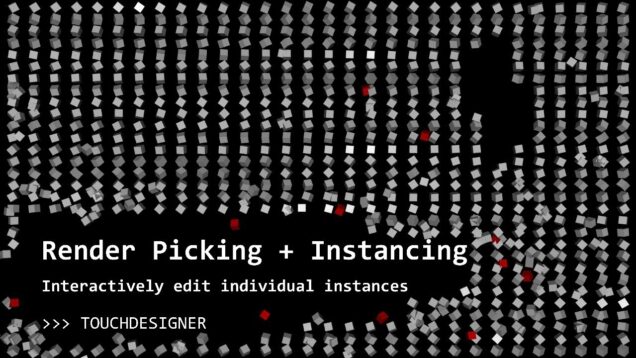
Mark Tutorial Completed! Render picking is a super powerful tool for building everything from interactive visuals to fully-featured UI components. In this tutorial, I will review basic render picking usage (through the Render Pick DAT) and focus on how to use render picking to edit specific instances individually using the mouse. Learn how to change […]

NYC's MTA Train Time Realtime in TouchDesigner!

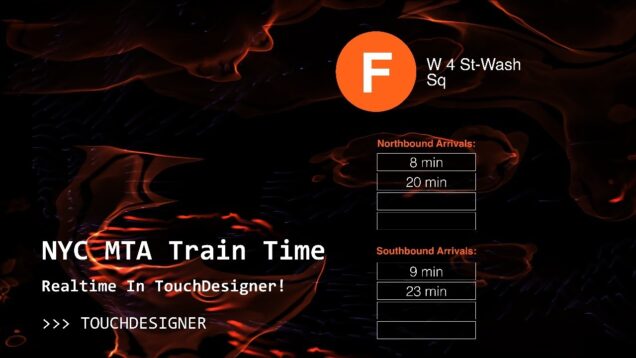
Mark Tutorial Completed! In this video, I walk through a project that I have built to display real time train updates for any line or station in New York City’s subway system, using a publicly available API! We will walk though all the steps from API setup to textual display, and along the way touch […]

Finally, Gaussian Splatting in TouchDesigner!

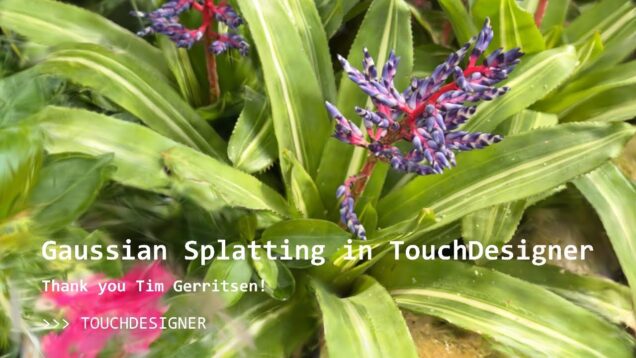
Mark Tutorial Completed! An extension of my last Luma AI tutorial, in this video we revisit Gaussian Splatting in TouchDesigner, since a new tool is now available to the community thanks to Tim Gerritsen. Learn how to use the component in TouchDesigner, what a Gaussian Splat is anyway, and a few very simple (no-code) ways […]

Domain Warping in TouchDesigner

Mark Tutorial Completed! An introduction to domain warping in TouchDesigner. We will first build some conceptual intuition and then write a domain warping shader from scratch using GLSL (not as scary as it sounds!) Project Files: www.patreon.com/water__shed Links: – https://iquilezles.org/articles/warp/ – http://st4yho.me/domain-warping-an-interactive-introduction/ – https://darienbrito.com/portfolio/pigments/ – https://palmdrop.site/nodes/domain-warping 00:00 – Start 01:40 – Literature Review 03:58 – […]

Shadertoy to TouchDesigner: Porting shaders with several buffers

Mark Tutorial Completed! In this tutorial we will port a shader with several buffers from Shadertoy to TouchDesigner. Porting hese multipass shaders will require a little extra infrastructure, but is easier than it seems! Project files on Patreon: https://www.patreon.com/posts/98403682 My Patreon page: www.patreon.com/water__shed Shadertoy shader: https://www.shadertoy.com/view/4dcGW2 Porting a single buffer shadertoy shader: https://www.youtube.com/watch?v=IFycGdOv9oU 00:00 Intro […]

Luma AI in TouchDesigner – Import Geometry, Point Clouds, Environment Maps and more!

Mark Tutorial Completed! Bring your Luma AI reality captures to TouchDesigner in this easy, no code tutorial! I will go through how to import point clouds, geometry (obj and usdz), as well as 360 images (HDR environment maps) into TouchDesigner with just a few clicks, and how to render them to achieve physically based lighting […]

TouchDesigner Quick Tips: Inline Python Expressions for Complex Parametrization

Mark Tutorial Completed! Start to unlock the true power of TouchDesigner by leverage all sorts of simple python expressions inline in Operator parameters. These tricks will let you do things easily with python, directly in parameter expressions, when doing so in operators might be quite difficult. While these are certainly not the only python expressions […]

GLSL Materials in TouchDesigner: Porting from WebGL

Mark Tutorial Completed! Take your vertex and fragment shader skills to the next level with custom GLSL Materials in TouchDesigner. This tutorial gives a gentle introduction to the concepts of GLSL Materials in TD by porting a shader from WebGL. We discuss each part of the shader pipeline, analogous structures in WebGL vs TouchDesigner, and […]

Stream iPhone Camera to TouchDesigner

Mark Tutorial Completed! In this tutorial we create a mobile interactive system using a phone (iPhone or Android), OBS Studio and Mediapipe. This pipeline is free, robust and scalable, helping you develop and prototype interactive visualizatiosn on the go, even when you dont have all your gear! Links: Fluid Simulation: patreon.com/posts/premium-patreon-80586341 Mediapipe: https://github.com/torinmb/mediapipe-touchdesigner/releases/tag/v0.3.3 OBS: https://obsproject.com/ […]

TouchDesigner Tiled Grid Virtual Canvas Installation – Transitions

Mark Tutorial Completed! In this tutorial, we build the last part of an installation in TouchDesigner that will transition between several generative scenes, all displayed on an interactive virtual canvas for added depth! In this episode add another layer of tiles and explore Draw Priority rendering, an advanced technique that allows the selective application of […]

Virtual Screen Installation – Dynamics and Distortion

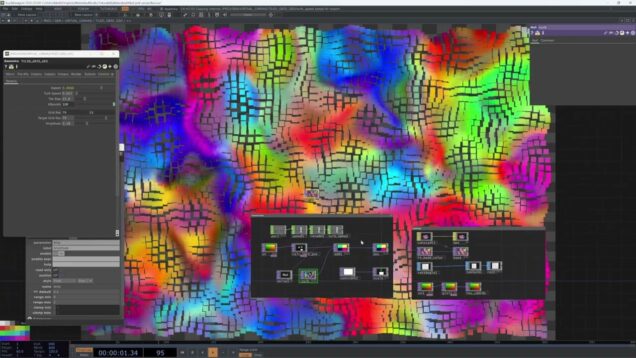
Mark Tutorial Completed! In this tutorial, we build the second part of an installation in TouchDesigner that will transition between several generative scenes, all displayed on an interactive virtual canvas for added depth! In this episode we will build on our prior work, distorting the canvases we created in Part 1. Using noise and a […]

Virtual Screen Installation – Perfect Mosaic Tiles

Mark Tutorial Completed! In this tutorial, we build the first part of an installation in TouchDesigner that will transition between several generative scenes, all displayed on an interactive virtual canvas for added depth! In this episode we will create the framework of the virtual canvas, which is a tiled grid mapped with some pixel perfect […]

Vertex Shaders 03: Next Level Feedback Effects in TouchDesigner!

Mark Tutorial Completed! Vertex shaders again! In this tutorial, we will look at how to build a cool render-based feedback loop in two ways, using SOPs (slow!) and then vertex shaders (fast!). Project files on Patreon: www.patreon.com/water__shed I am including an updated fluid sim .tox in the project file too, enjoy 🙂 TITLE: Timeline 1 […]

TouchDesigner Quick Tips: GLSL for Normalization and Mapping Instances to a Grid

Mark Tutorial Completed! In this super quick video, I show two amazingly helpful GLSL tricks, both of which are just ONE LINE of code! Project files available: https://www.patreon.com/water__shed 00:00 – Start 00:40 – GLSL Normalize 05:44 – Easy UV Mapped Instancing

TouchDesigner Quick Tips: Execute DAT

Mark Tutorial Completed! Use an Execute DAT to open your project in perform mode, and load any other config settings on startup (or save)! Project Files: https://www.patreon.com/water__shed 00:00 – Start 00:23 – Execute DAT

TouchDesigner Quick Tips: Read Sequence of Animation Files or Textures in Real Time

Mark Tutorial Completed! Use this quick technique to render out heavy animations (from Houdini, C4D or any other 3D software), as well as renders from TouchDesigner, and load them for playback in realtime! Meant as a follow up to https://youtu.be/kPOGFmAnum4 Project files available on Patreon: https://www.patreon.com/water__shed 00:00 – Start 03:28 – Component Creation 05:16 – […]

TouchDesigner Quick Tips: Render Animation to Sequence of Images

Mark Tutorial Completed! Learn how to easily render an animation or texture to image files for usage offline, using just a tiny bit of python! Project files: www.patreon.com/water__shed 00:00 – Start 01:16 – Setup 03:47 – Saving MovieFileOut to Custom File Path 07:53 – Adding a timer

TouchDesigner Quick Tips: Inline Python Expressions for Complex Parametrization

Mark Tutorial Completed! Start to unlock the true power of TouchDesigner by leverage all sorts of simple python expressions inline in Operator parameters. These tricks will let you do things easily with python, directly in parameter expressions, when doing so in operators might be quite difficult. While these are certainly not the only python expressions […]

Project Update: Swapping LiDAR and Kinect for Leap Motion in TouchDesigner (Part 2)

Mark Tutorial Completed! In this video, I will build on a prior tutorials and discuss in depth how to substitute one type of sensor for another. By following some simple best practices, your networks can become easy to use with any type of sensor data! In this section, we add a Leap Motion controller to […]

TouchDesigner Vertex Shaders 02 – Kalaidescopic Layers

Mark Tutorial Completed! We continue our exploration of vertex shaders in TouchDesigner in this video, writing a custom Vertex and Fragment shader for a GLSL material that will allow us to create and composite layers of a texture to generate kalaidescopic visuals. I have included the boilerplate code for the GLSL rotation matrix below in […]

Particle SOP in TouchDesigner – Interactive Metaball Forces and Surface Attractors

Mark Tutorial Completed! Use the built-in power of TouchDesigner by leveraging the Particle SOP for quick, easy interactive particle systems. In this tutorial we will take a tour of the Particle SOP, then focus on using Metaball and Force SOPs, along with the Point SOP to precisely manipulate our geometry attributes. Use the mouse and […]

Generative Maps in TouchDesigner: UIs with the Replicator COMP

Mark Tutorial Completed! Create dynamic generative maps in TouchDesigner with this 3 part tutorial series. We will use a touchdesigner implementation of the Jump Flood algorithm (s/o David Braun) and a Replicator COMP to make a number of map layers complete with nation boundaries and road line! Project files on patreon: www.patreon.com/water__shed 00:00 – Start […]

Generative Maps in TouchDesigner: Creating Map Layers with Replicator COMP

Mark Tutorial Completed! Create dynamic generative maps in TouchDesigner with this 3 part tutorial series. We will use a touchdesigner implementation of the Jump Flood algorithm (s/o David Braun) and a Replicator COMP to make a number of map layers complete with nation boundaries and road line! Project files on patreon: www.patreon.com/water__shed 00:00 – Start […]

Generative Maps in TouchDesigner: Jump Flood Algorithm

Mark Tutorial Completed! Create dynamic generative maps in TouchDesigner with this 3 part tutorial series. We will use a touchdesigner implementation of the Jump Flood algorithm (s/o David Braun) and a Replicator COMP to make a number of map layers complete with nation boundaries and road line! Project files on patreon: www.patreon.com/water__shed

Slamtec RPLiDAR in TouchDesigner

Mark Tutorial Completed! Turn any surface into an interactive multi-touch surface using a Slamtec RPLiDAR A1M8 sensor. This LiDAR sensor is one of the cheapest models out there but still provides a reasonable refresh rate and can create some stunning interactions. In this video I will go over unboxing and wiring of the Slamtec lidar […]

Bikeshare API Visualization in TouchDesigner: Part 2

Mark Tutorial Completed! In this tutorial we use some simple Python (assisted by ChatGPT) to access and import real time bikeshare data from anywhere in the world via API. In Part 1 we will use jupyter notebooks, create a stand-alone python program that runs as its own process, and then in Part 2 we will […]

Bikeshare API Visualization in TouchDesigner

Mark Tutorial Completed! In this tutorial we use some simple Python (assisted by ChatGPT) to access and import real time bikeshare data from anywhere in the world via API. In Part 1 we will use jupyter notebooks, create a stand-alone python program that runs as its own process, and then in Part 2 we will […]

TouchDesigner Quick Tips: Timer CHOP with Segments DAT

Mark Tutorial Completed! Content management system issues? Ever need a custom timer with a bit more functionality? In this video we will look at using a DAT table to pass data to our Timer CHOP, as well as callbacks and some other tools to build richly featured media players inside TouchDesigner. I originally learned about […]

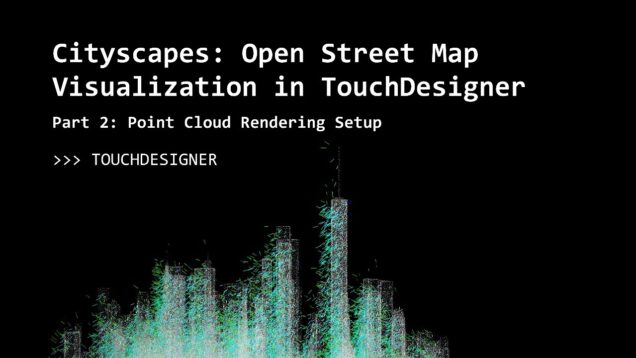
Geospatial Data Visualization with TouchDesigner, Part 2: Point Cloud Rendering

Mark Tutorial Completed! In this project, we build a geospatial data pipeline to power a real-time visualization built in TouchDesigner. We will look at a number of applications and effects, visualization with instancing and render picking, and integrate various data sources along the way. Part 2 outlines a super-lightweight rendering setup for point clouds! Project […]

TouchDesigner Quick Tips: Create Custom Midi Map for Controller

Mark Tutorial Completed! In this short Touchdesigner Tutorial, we will learn how to create a Midi Map for any Midi controller, allowing you to use your own hardware with TouchDesigner

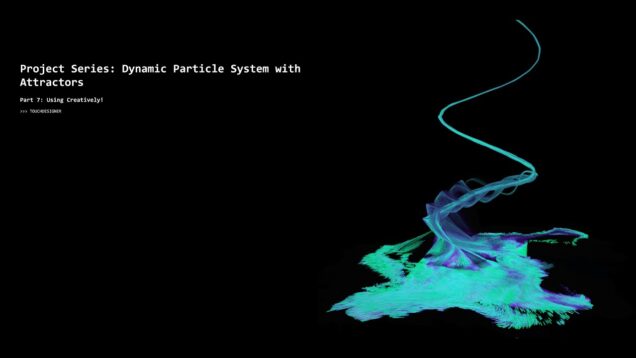
TouchDesigner Dynamic Particle System Part 7: Creative Uses!

Mark Tutorial Completed! Bonus! I couldn’t help myself and created this final installment for the Particles Series with motion tracking and attractors. In this short video, we will use attractors to build a spiral staircase rising from our ocean of particles! Project files available on Patreon: www.patreon.com/water__shed

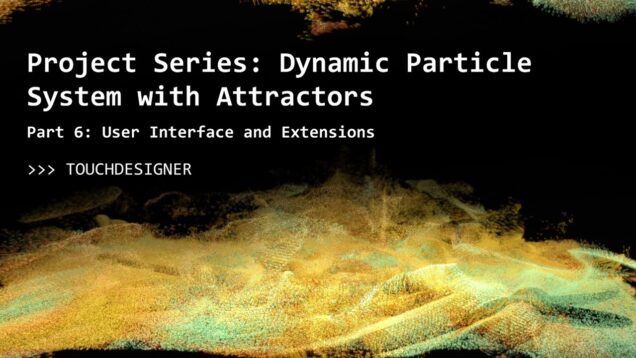
TouchDesigner Dynamic Particle System Part 6: Kinect Mapping UI and Wrap Up

Mark Tutorial Completed! In this new project series, we will build a particle system controlled by multiple attractor systems, including autonomous agents! We will also learn some cool, off-the-beaten path post processing techniques and look at python for project extensions! In Part 6, we dive back into the Kinect mapping component we worked on last […]

Touchdesigner Tutorial: Lake of Acid

Mark Tutorial Completed! This is a 2D noise and feedback texture that looks awesome and is a fairly small network. This builds on reaction diffusion looks I’ve shown in past tutorials. Check it out to see! Project files for this and a growing library of tutorials, plus early access to new ones are available on […]

Geospatial Data Visualization with TouchDesigner, Part 1: Open Street Maps

Mark Tutorial Completed! In this project, we build a geospatial data pipeline to power a real-time visualization built in TouchDesigner. We will look at a number of applications and effects, visualization with instancing and render picking, and integrate various data sources along the way. Part 1 includes using qGIS software to bulk download Open Street […]

TouchDesigner Dynamic Particle System Part 5: Interactivity and Procedural Kinect CHOP Workflow

Mark Tutorial Completed! In this new project series, we will build a particle system controlled by multiple attractor systems, including autonomous agents! We will also learn some cool, off-the-beaten path post processing techniques and look at python for project extensions! In Part 5, we take a dive into the Kinect CHOP and depart from visual […]

TouchDesigner Quick Tips: Create Custom Pars with Dynamic Dropdown Lists

Mark Tutorial Completed! Ever wanted to create a custom parameter that would allow you to select from a list of channels, like when you are setting instance transforms or selecting active network ports? In this quick video I will show you how to point a dynamic dropdown parameter at any list of channels to make […]

TouchDesigner Dynamic Particle System with Attractors Part 4: Autonomous Attractors

Mark Tutorial Completed! In this new project series, we will build a particle system controlled by multiple attractor systems, including autonomous agents! We will also learn some cool, off-the-beaten path post processing techniques and look at python for project extensions! In Part 4, we use the Autonomous Agent component we created in Part 1, adding […]

TouchDesigner Dynamic Particle System with Attractors Part 3: Crisp Trails with Texture 3D TOP

Mark Tutorial Completed! In this new project series, we will build a particle system controlled by multiple attractor systems, including autonomous agents! We will also learn some cool, off-the-beaten path post processing techniques and look at python for project extensions! In Part 3, we create crisp particle trails using a Texture 3D top and write […]

TouchDesigner Dynamic Particle System with Attractors Part 2: Particles with Perspective

Mark Tutorial Completed! In this new project series, we will build a particle system controlled by multiple attractor systems, including autonomous agents! We will also learn some cool, off-the-beaten path post processing techniques and look at python for project extensions! In Part 2, we create a particle system with a cool perspective view and add […]

TouchDesigner Quick Tips: Shadertoy Port to TouchDesigner

Mark Tutorial Completed! Learn how to port shaders from Shadertoy to TouchDesigner! Project Files available on Patreon: patreon.com/water__shed

TouchDesigner Dynamic Particle System with Attractors Part 1: Autonomous Agents

Mark Tutorial Completed! In this new project series, we will build a particle system controlled by multiple attractor systems, including autonomous agents! We will also learn some cool, off-the-beaten path post processing techniques and look at python for project extensions! In Part 1, we explore the overall project and then jump right in designing an […]