Mark Tutorial Completed! Demonstration using OSChook app to bring Android phone sensor data (Rotation, Light, etc) into TouchDesigner wirelessly via the OSCin CHOP. Apps mentioned: OSChook: https://play.google.com/store/apps/details?id=com.hollyhook.oscHook&hl=en_US GyrOSC: https://apps.apple.com/us/app/gyrosc/id418751595
Mark Tutorial Completed! Demonstration to convert real-time video and audio inputs into channel information to use as interactive sensors in TouchDesigner
Mark Tutorial Completed! Using either TouchOSC or the SensorTile, this video shows how to extract a rotation signal and select and map it onto the appropriate transforms for a 3D object.
Mark Tutorial Completed! Some of our most popular programs are now available over on the website: https://www.programmingforpeople.com/shop WE’RE BACK. After what feels like too long, its time to get back on the horse. This time we come prepared with a box full of sensors and a new series to create! Episode 1 of Arduino Sensors […]
Mark Tutorial Completed! A detailed beginner guide and a safe place for touchdesigner users to explore Arduino 🙂 I know there are lots of tutorials on YouTube about Arduino and ultrasonic sensors, but I still hope this video paves the way for those who have always wanted to try Arduino but never stepped out. Trust […]
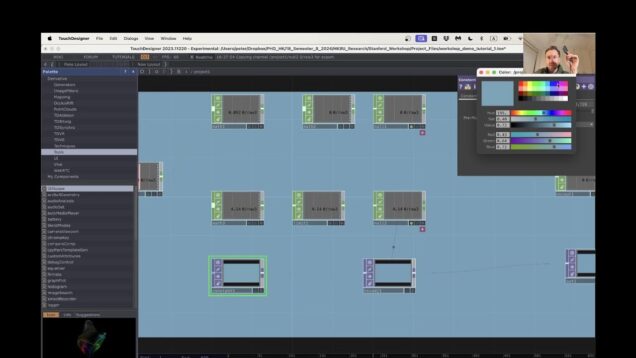
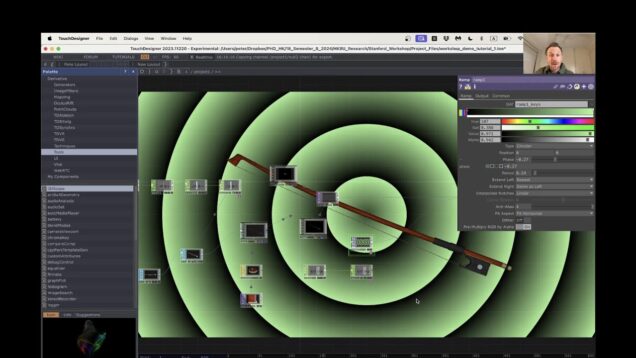
Mark Tutorial Completed! We will introduce the TouchDesigner file in the workshop with some beginner ideas for using IMU signals to drive various operations in TouchDesigner.
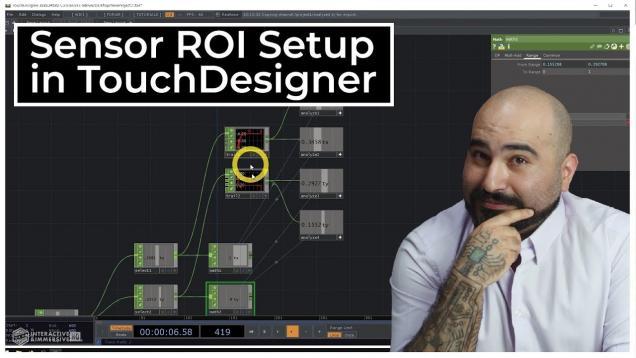
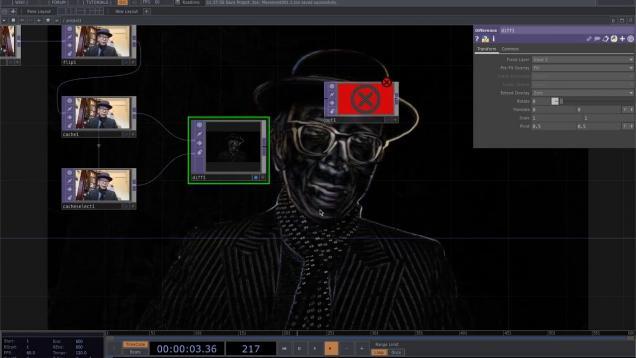
Mark Tutorial Completed! It’s a tutorial for making a motion senser with Touchdesigner. You can use it to make a interface that reacts to human motion for example. Here I used CacheTOP and AnalyzeTOP to get the distribution of the motion. ※Caution: a TouchDesigner amateur user is making this movie, so there can be a […]
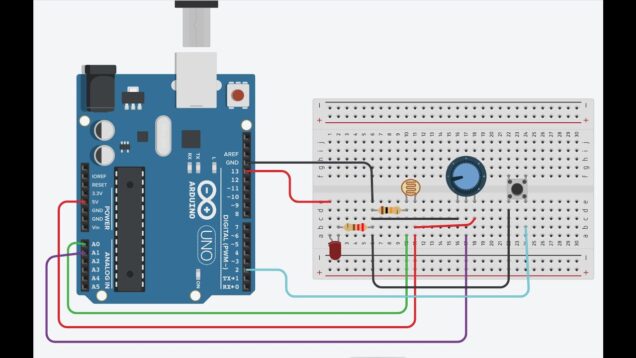
Mark Tutorial Completed! En esta la penultima sesión de la Maraton NTRCTV con TouchDesigner, estaremos abordando una de las maneras que tenemos de vincular la plataforma de prototipado ARDUINO con nuestro sistema en TouchDesigner de manera bidireccional, recibiendo señales via PUERTO SERIAL de dos sensores, 1 fotocelda y 1 potenciomentro, junto con el envio de […]
Mark Tutorial Completed! Get access to more content like this – including 50+ hours of TouchDesigner video training, a private Facebook group where Elburz and Matthew Ragan answer all your questions, and twice-monthly group coaching/mastermind calls – here: https://bit.ly/2zJ0lmt Sensors output a lot of data. Kinects, Leap Motions, and touchscreens all output a wide range […]
Mark Tutorial Completed! We’re starting a new 9-video series where I’ll be diving deep into interactivity using Playtron. Get Project Files & Roses Videos Here 👉 https://okamirufu.link/project_files Free VJ Pack Collections – Over 150 Videos and Growing 👉 https://okamirufu.link/free_vj_pack_y AI voice I used: 👉 https://okamirufu.link/eleven_labs – Video Summary 0:00 – *Introduction to Playtronica:* Learn what […]
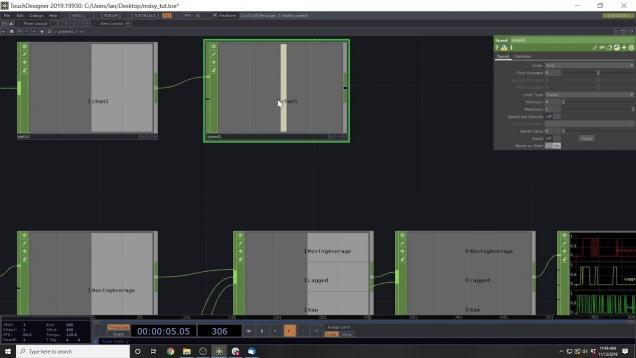
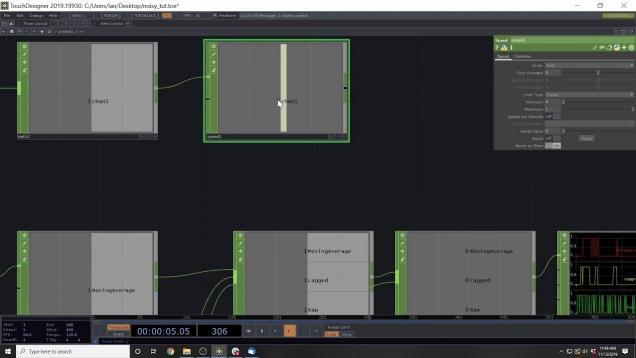
Mark Tutorial Completed! In this video we will look at various methods to smooth out sensor data. In the past, I have run into problems with noisy data coming from Arduinos and distance sensors and here are some solutions I have come up with to get consistent data. See the next part here: https://youtu.be/0SaXOrZoJuk
Mark Tutorial Completed! Welcome, everyone! This project serves as an introduction to interfacing data from TouchDesigner using the Xiao. If you’re not familiar with TouchDesigner, it is a creative tool used to create real-time visuals and interactive art. It’s popular among artists and designers because it enables the creation of impressive projects, such as light […]
Mark Tutorial Completed! We dive into TouchDesigner’s button states—Momentary, Toggle, Radio, and Exclusive showing how to create interactive responses. You’ll learn practical applications for each state and see a custom Playtron MIDI setup in action. Free Component Here 👉 https://okamirufu.link/frees_collections Part 1: https://www.youtube.com/watch?v=wA_uGNz4YvI&t=10s – Free VJ Pack Collections – Over 150 Videos and Growing 👉 […]
Mark Tutorial Completed! In this video we will look at various methods to smooth out sensor data. In the past, I have run into problems with noisy data coming from Arduinos and distance sensors and here are some solutions I have come up with to get consistent data. See the previous part here: https://youtu.be/mDaJYGTlxws
Mark Tutorial Completed! this is my method for doing a custom particle system from scratch. In this example we solve collision. source file: https://www.patreon.com/posts/66918405 Subscribe to this channel to get notified when I release new videos! You can support me on Patreon https://www.patreon.com/paketa12 or follow me on: https://www.instagram.com/paketa12 https://www.facebook.com/paketa12
Mark Tutorial Completed! In this video we will look at various methods to smooth out sensor data. In the past, I have run into problems with noisy data coming from Arduinos and distance sensors and here are some solutions I have come up with to get consistent data. See the previous part here: https://youtu.be/0SaXOrZoJuk See […]
Mark Tutorial Completed! This is a very easy example in which we use sensors for particles to sense trails left by other particles. Sorry for the sound …it’s getting better at 1:15 source file: https://www.patreon.com/posts/65627827 Subscribe to this channel to get notified when I release new videos! You can support me on Patreon https://www.patreon.com/paketa12 or […]
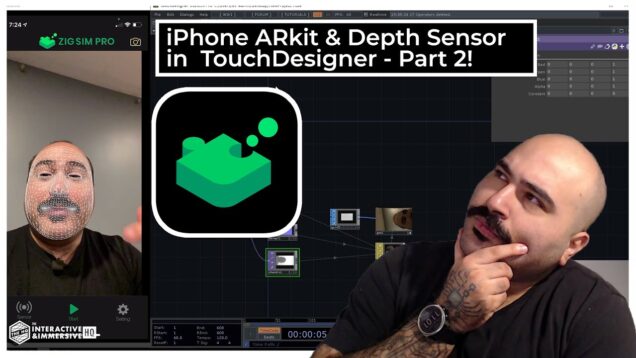
Mark Tutorial Completed! Get access to 70+ hours of TouchDesigner video training, a private Facebook group where Elburz and Matthew Ragan answer all your questions, and twice-monthly group coaching/mastermind calls here: https://bit.ly/2zJ0lmt Picking up where we left off in part 1, we dive deeper into Zig Sim Pro and look at the capabilities it has […]
Mark Tutorial Completed! This is my first developed method for collision with search optimization, which can solve the collision of tens of thousands of particles. I really hope you like this method and you make good use of it. Thank you massive for your support. .toe file (Patreon tier 3): https://www.patreon.com/posts/… Subscribe to this channel […]
Mark Tutorial Completed! this is the beginning of a new more advanced chapter called ‘compute shader’ in which we’ll do various algorithms in the most visual way possible, using only TOPs. source file: https://www.patreon.com/posts/56033707 Subscribe to this channel to get notified when I release new videos! You can support me on Patreon https://www.patreon.com/paketa12 or follow […]
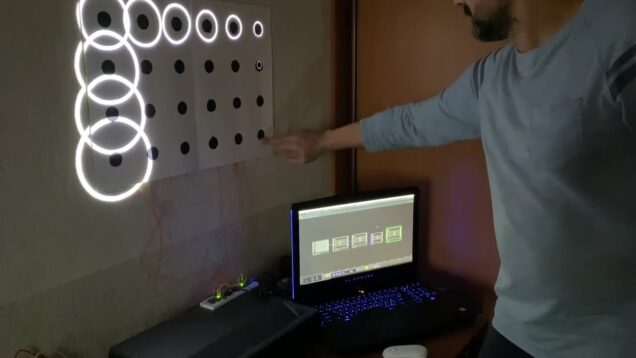
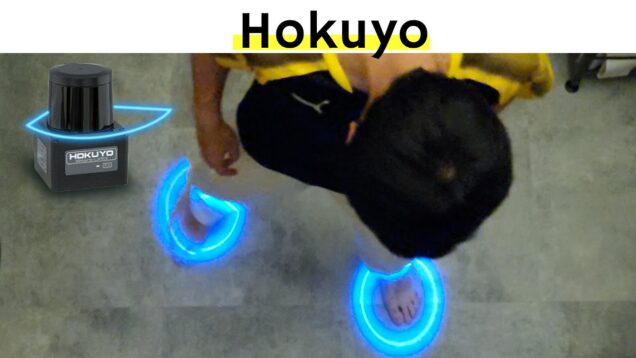
Mark Tutorial Completed! Best interactive experience with hokuyo sensor hokuyo sensor(UST-10LX) http://www.akibadirect.com/shopdetail/000000013177/037/002/Y/page1/brandname/ setting up hokuyo for connecting to PC https://qiita.com/atsonic/items/be9e15f528e34e370d32 In detail https://miwa-maroon.medium.com/super-introduction-hands-on-interactive-content-with-hokuyo-sensors-and-touchdesigner-46e24f051a2 詳しい解説はこちら qiita:https://qiita.com/miwa_maroon/items/cfa59c1e4f8262add460 IG:https://www.instagram.com/p/CQGIsWHtjd-/ Twitter:https://twitter.com/miwata34
Mark Tutorial Completed! Using the suonobuono lazer midi controller to interact with touchdesigner in a new way! Full visual posted on instagram.com/fe3elix
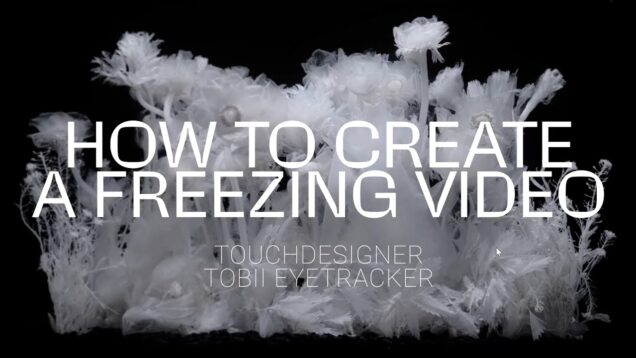
Mark Tutorial Completed! This method is using Touchdesigner and the Tobii Eyetracker and freezing the video always in the viewers focus area. On the edge of the view the video always continues to play normally, but in the middle it freezes. Tobii Gaze Point: https://us.tobiidynavox.com/products/gaze-point Input video from Luna Ikuta: https://www.instagram.com/lunaikuta/ My instagram account: https://www.instagram.com/hahnderhahn/
Mark Tutorial Completed! Remember, this video is the second part of Video 3 in this series. Here, we’ll cover how to create a simple interactive network. Get Project Files Here 👉https://okamirufu.link/project_files_collections ============================= *VIDEO SUMMARY* 00:00 Intro 00:37 Fixing Instances: We’ll adjust the instance values so they work correctly in the Geo component of TouchDesigner. Remember, […]
Mark Tutorial Completed! You can ask me anything about Touchdesigner or get my TD plug-in on my discord https://discord.gg/Gu8DyehZPN Or follow me on: IG: https://www.instagram.com/luchen_xi/ Hope you like it! 【Gem Seed】Touchdesigner Course (Chinese Version) https://www.bilibili.com/cheese/play/ss9558 https://www.bilibili.com/cheese/play/ss35676 English version coming soon on Udemy!
Mark Tutorial Completed! This exercise explored the use of the MotionSense object in TouchDesigner to display two different pieces of text according to the motion detected in front of the webcam.
Mark Tutorial Completed! You can ask me anything about Touchdesigner or get my TD plug-in on my discord https://discord.gg/Gu8DyehZPN Or follow me on: IG: https://www.instagram.com/luchen_xi/ Hope you like it! 【Gem Seed】Touchdesigner Course (Chinese Version) https://www.bilibili.com/cheese/play/ss9558 https://www.bilibili.com/cheese/play/ss35676 English version coming soon on Udemy!



![[Hướng dẫn TouchDesigner cơ bản cho người mới bắt đầu] – Tương Tác Bông Hoa Nở và hơn thế nữa](https://alltd.org/wp-content/uploads/2025/05/huong-dan-touchdesigner-co-ban-c-636x358.jpg)
](https://alltd.org/wp-content/uploads/2020/01/24th-motion-sensor-analysistouch-636x358.jpg)