Lake Heckaman

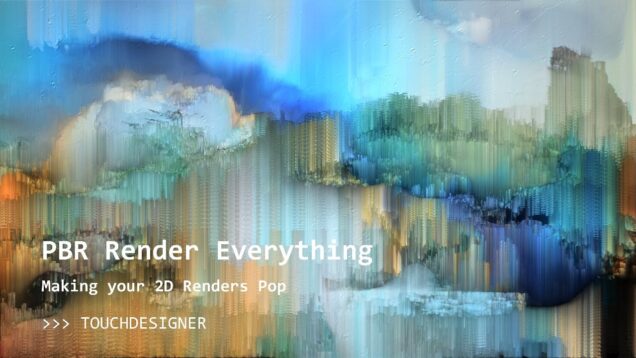
PBR Render Everything in TouchDesigner!

Mark Tutorial Completed! Ever felt your 2d textures were washed out, glowing, or flat? Use PBR textures to quickly design custom materials that will make your 2D work pop. Project files available on patreon: patreon.com/water__shed
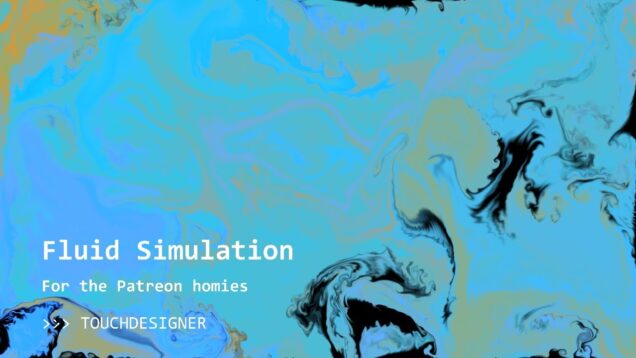
Premium Patreon Exclusive: Fluid Simulation TouchDesigner .tox

Mark Tutorial Completed! Dropping my fluid sim .tox for my premium subscribers – in this video I give a walkthrough of the simulation (dont worry, we won’t be doing any coding) and its major parts. Then I demo the COMP I have created to use it in my projects, reviewing all inputs, outputs, and parameters. […]

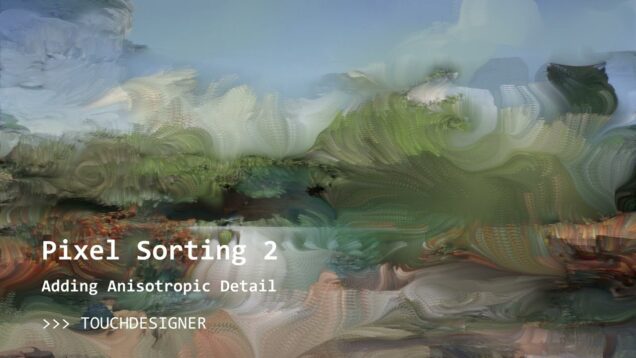
Pixel Sorting in TouchDesigner Part 2: Dynamic Anisotropic Detail

Mark Tutorial Completed! Bring your pixel sorting to life with multi-layered dynamics! In this tutorial we build on the basic pixel sorting component from last time, adding texture and details that vary from place to place across the image. We also see examples of using Python list comprehension and Python conditionals inline to control operator […]

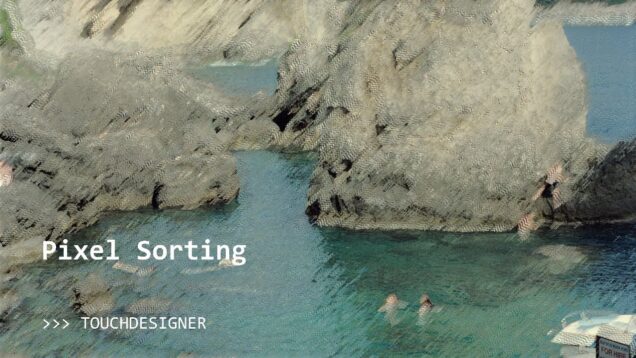
Pixel Sorting in TouchDesigner

Mark Tutorial Completed! In this tutorial we will learn how to use some pretty simple GLSL to create a cool pixel sorting effect!

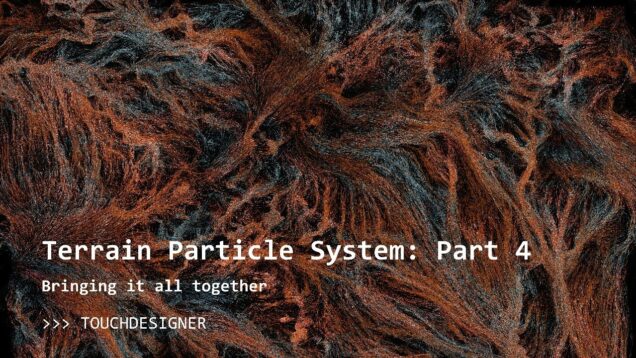
Terrain Particles 4: Bringing it all together

Mark Tutorial Completed! In the final part of this series on creating terrain-inspired particle systems in TouchDesigner, we create a variety of effects using the techniques developed in prior tutorials and add interaction to our project via Kinect and webcam. Project files available on patreon: patreon.com/water__shed
Terrain Particle System – Part 3: EXR Files and Procedural Terrain in Houdini

Mark Tutorial Completed! Learn to import EXR files (common format for heightmaps/terrain data) and use them to drive particle systems. Build your own using detailed and physically realistic terrain models in a few clicks using a free Houdini Apprentice license (its easy, I promise). Or just use the EXR file I provide to follow along […]

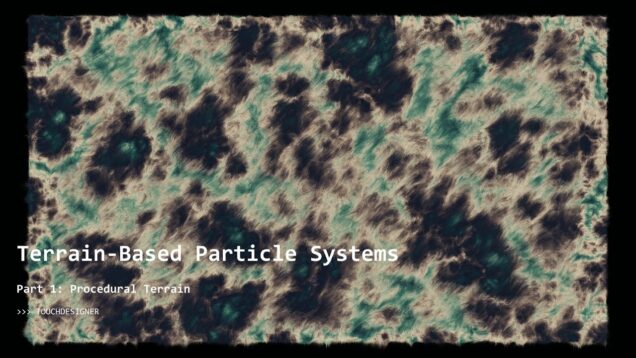
Part 1: Procedural Terrain Generation in TouchDesigner

Mark Tutorial Completed! Learn how to create procedural terrain heightmaps based on the topology of real ranges, a technique ported from Texturing and Modeling: A Procedural Approach (which I highly recommend for those looking to learn). Over this set of tutorials I will build on this technique and others to create an interactive particle system […]

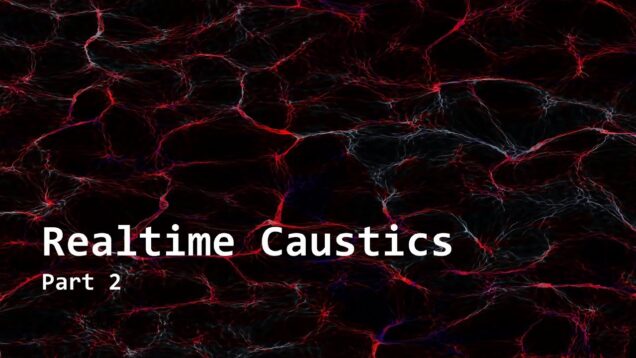
Realtime Caustics in TouchDesigner – Part 2

Mark Tutorial Completed! In this tutorial I expand on Part 1, focusing on render quality and performance.

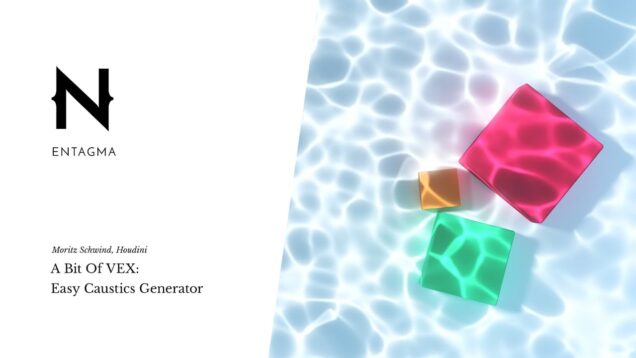
Realtime Caustics in TouchDesigner with Easy GLSL

Mark Tutorial Completed! Caustics form from light refracted through a transparent medium (like the pretty patterns that form on the bottom of a swimming pool). This tutorial will outline the physics involved and show you how to create this effect in TouchDesigner using only a handful of lines of GLSL code. Resources: Ray / Plane […]

TouchDesigner Quick Tips – TOP Viewer

Mark Tutorial Completed! Use the TOP viewer’s viewport tools to improve workflow

Real Time Weather API in TouchDesigner

Mark Tutorial Completed! In this video we implement a weather API ( https://www.visualcrossing.com/) in TouchDesigner and explore how one can use real-time weather data to control visual effects. Example of usage in a full project: https://lakeheckaman.com/Malformed-1 Links: – https://www.visualcrossing.com/resources/blog/how-to-load-historical-weather-data-using-python-without-scraping/ – https://docs.python.org/3/library/json.html#module-json – https://docs.python.org/3/library/urllib.request.html#module-urllib.request

Custom Keyboard Shortcuts in TouchDesigner with the UI Class

Mark Tutorial Completed! The motivation: It is way too hard to toggle display background TOPs on/off, which was an annoying workflow issue for a long time. With this simple tool, we can create a keyboard shortcut to quickly solve this issue (and many others!) As Derivative is fond of pointing out, TouchDesigner is built with […]