TouchDesigner Micro Tutorial
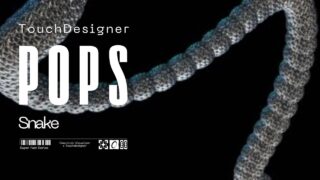
If you want to understand how to create these tubular shapes that twist and stretch like living organisms or underwater tentacles in TouchDesigner, here’s what you need to learn:
First, you need to create any kind of line with some organic movement. I used a single point and added some noise to give it motion, then added a Trail to create a continuous line.
Now comes the most important part for creating these radial patterns of this bio-machine: you have to do something super simple.
First, create a Pattern POP and set the Type to “Ease In Ease Out”. Here you can try different types of patterns.
Then, rename the attribute — I called mine pattern.
Below that, create a Noise POP and assign a new name to the output attribute — I named it deformation.
Now use a Math Mix to multiply the two attributes we just created.
Name this new variable — I’ll call it radialScale.
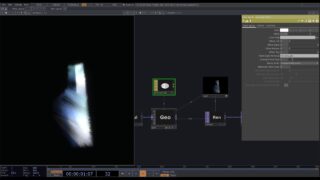
Next, create a circle connected to a Copy POP, and plug the Math Mix into the second input of the Copy.
In the Template Scale parameter, select the attribute we created — radialScale.
Now you’ll see how the circles follow the patterns and their scales deform organically into these tubular structures.
If you want to take it further, add a Skin SOP, followed by a Normal SOP, and finally a Subdivide to smooth the geometry even more.
The result is this kind of worm-like creature that inflates and deflates in segments.
If you want the full tutorial to achieve this result based on what we’ve covered, let me know in the comments!
#touchdesigner, #creativecoding, #interactivedesign #audioreactive #ableton #music

About The Author