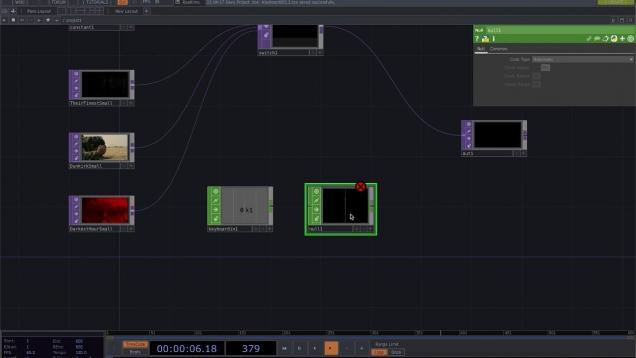
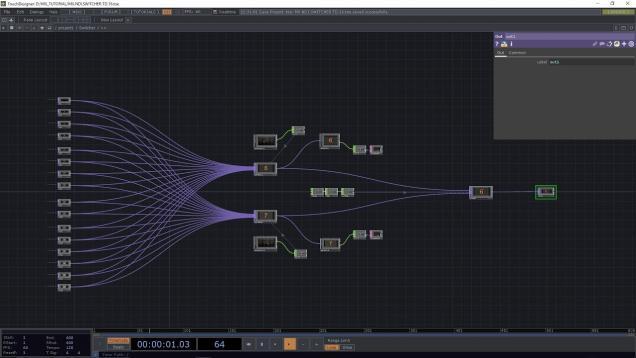
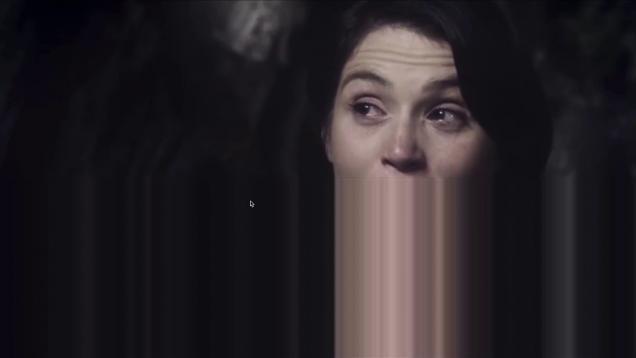
In this tutorial Stefan Kraus going to demonstrate how to use NewTeks NDI with TouchDesigner and stream live output to Facebook. Furthermore Stefan explains in depth how he built a video schwitcher in TouchDesigner that is suitable to switch up to 16 individual video sources.
#touchdesigner#tutorial#drawing This is a touchdesigner tutorial on drawing effects. In this video, the mouse is used as the input value, but using various sensors will be useful when creating interactive effects. 【instagram】 hhttps://www.instagram.com/u________ssu/
Get access to 70+ hours of TouchDesigner video training, a private Facebook group where Elburz and Matthew Ragan answer all your questions, and twice-monthly group coaching/mastermind calls here: http://iihq.tv/Trial TouchDesigner supports a lot of communication protocols. So many that it can be tough to choose which ones to use. Elburz breaks it down for you […]
#touchdesigner#particle#tutorial TouchDesigner tutorial on particles. In this video, we will create a particle that tracks the mouse. Generates airflow using the force and particle sops. 【instagram】 https://www.instagram.com/u________ssu/
The exercise switches among a number of audio files to playback by pressing different keys in the keyboard. It is a simple version of a DJ controller. The graphics is the frequency spectrum of the sound.
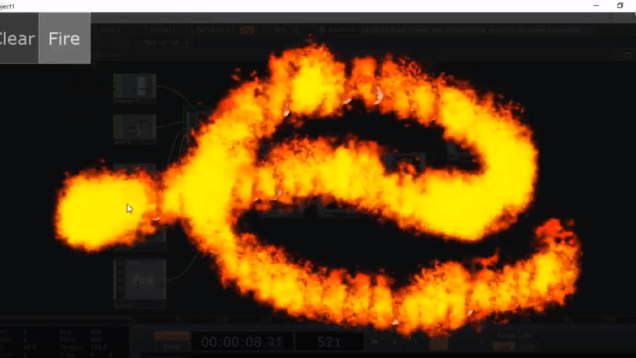
I’m trying “elements” effect in TouchDesigner; fire, water, wind, earth … and so on. This time, in this tutorial, we made fire effect. The key technique; it consists 3 steps; I )Put points, II )make trigger, and III)fire いろんな属性エフェクト(火、風、土…など)に挑戦しています。今回のチュートリアルでは火の術をやります。 今回使う技術は3ステップあります。 ①点をおきます ②トリガーをつけて ③点火 です。 You can download .toe file in this movie below. .toeファイルは以下からDLできます。 https://drive.google.com/file/d/148w-Bg6wS_o7YvUnByXX5SIrWbtkXB5f/view?usp=sharing […]




![TouchDesigner[mouse]パーティクルをマウスで操作](https://alltd.org/wp-content/uploads/2020/06/touchdesignermouse-636x358.jpg)

![TouchDesigner[iPhoneライトに反応インタラクティブアート]](https://alltd.org/wp-content/uploads/2021/01/touchdesigneriphone-636x358.jpg)