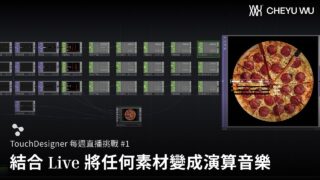
Concert Visuals with TouchDesigner & Ableton – TouchDesigner Tutorial 219
Get access to 200+ hours of TouchDesigner video training, a private Facebook group where Elburz Sorkhabi and Matthew Ragan answer all your questions, and twice-monthly group coaching/mastermind calls here: http://iihq.tv/Trial
As TouchDesigner can be used to generate and run visual content for concerts and live performances, audio-synchronized visuals are a commonly requested topic for users of all experience levels.
Although it’s possible to send MIDI and OSC back and forth between TouchDesigner and music software/hardware, there’s perhaps no better set of tools for this purpose than TDAbleton.
TDAbleton tightly links TouchDesigner and Ableton Live, allowing full access and control over almost any aspect of an Ableton Set from TouchDesigner. It’s an amazing tool for building out visuals synchronized to music due to the depth of data you’re able to access.
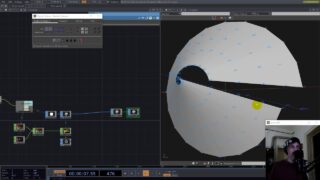
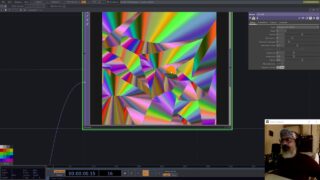
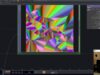
In this video, Jack DiLaura walks you through creating concert-style visuals in TouchDesigner that are driven by data fed from an Ableton Live set. You’ll learn the basics of pulling in data from Ableton using the TDAbleton package, manipulating the data for triggering visual effects, and creative uses of typical TouchDesigner geometry/rendering pipelines for creating visual content.
Link to Mark Houle Ableton Set:
https://www.ableton.com/en/blog/marc-houle-buji-tek/
Link to TDAbleton Documentation:
https://docs.derivative.ca/TDAbleton
#interactiveimmersivehq #touchdesigner #ableton
About The Author