Rob Duarte

Arduino & TouchDesigner: sending sensor data, TD conditionals, making an Arduino "simulator"

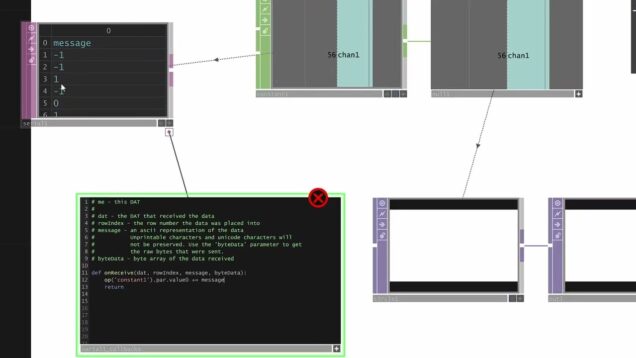
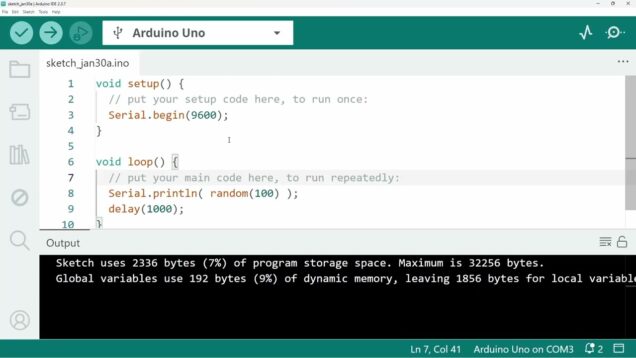
Mark Tutorial Completed! 00:00 intro 00:32 simple serial-sending Arduino sketch 02:50 getting serial data in TouchDesigner 06:10 conditionals in TD (switch, logic, expression) 12:38 Arduino “simulator” 16:32 making a component 17:20 sending data from multiple sensors 19:23 processing incoming data in TD 21:42 sending data from multiple sensors 26:19 summary

Bouncing Balls in TouchDesigner

Mark Tutorial Completed! In this video, I show a simple technique for making a circle bounce within the bounds of the screen that is similar to what you might do in something like p5js or processing (but simpler). The effect is something like the familiar DVD screensaver. I then show a more advanced example that […]

Hands-on Creative Coding Introduction for TouchDesigner

Mark Tutorial Completed! This is a follow-up to my Creative Coding with TouchDesigner video https://youtu.be/jCaIcJMPPzs . It is meant to show how to create a simple interactive visual “sketch” with TouchDesigner – the kind of introductory thing you might do with Processing, p5, or similar. The idea is for you to follow along as I […]

Beginning Creative Coding with TouchDesigner

Mark Tutorial Completed! In this video, I try to give a simplified/condensed tutorial for people who would like to use TouchDesigner for creative coding – without feeling overwhelmed by all the options or getting into the weeds with more advanced topics that aren’t required to just get started.

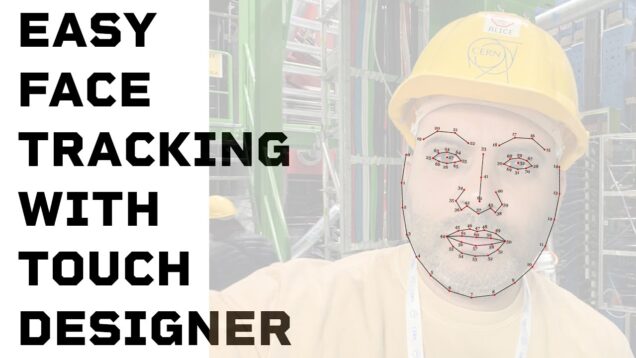
Easy Face Tracking with TouchDesigner

Mark Tutorial Completed! repo: github.com/rahji/facetracking This might also be useful for users of Chataigne

Easy Face Tracking in TouchDesigner

Mark Tutorial Completed! An easy method of getting face tracking data into TouchDesigner. It uses the clmtrackr javascript library in your browser. It sends data as JSON via websockets to TouchDesigner. It’s definitely easier than it sounds. Find the repo here: https://github.com/rahji/facetracking

Dragging and dropping jigsaw puzzle pieces in Touchdesigner

Mark Tutorial Completed! More python practice and a solution for dragging and dropping puzzle pieces that snap into place

Getting data from an internet API in TouchDesigner, plus: working with Table DATs

Mark Tutorial Completed! In this video, I show how you can get weather data from a National Weather Service API, parse the JSON that it gives you, and work with that data once it’s in a Table DAT.

The makings of a 2D game in TouchDesigner

Mark Tutorial Completed! In this video, I show a way that you might start making a 2D game in TouchDesigner. Using a Replicator COMP, driven by a table, I show how to make copies of rectangles and their corresponding collision-detection. This is the beginning of a game that has enemies/treasures/whatever scattered across the screen. The […]

Keypresses (and a bit of Python) in TouchDesigner

Mark Tutorial Completed! In this tutorial, I show some tips when handling keypresses in TouchDesigner. I also show how a bunch of operators could be replaced by one line of Python – and why that might not be a good thing.

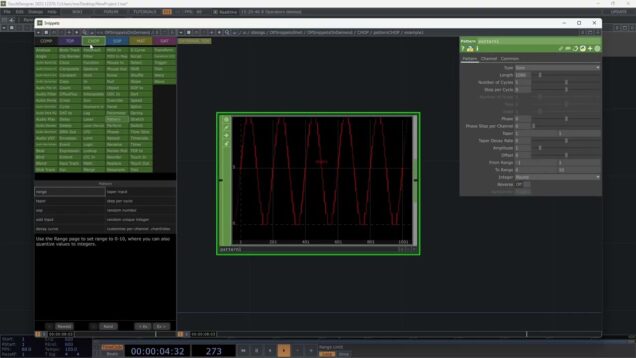
TouchDesigner CHOPs Exercise

Mark Tutorial Completed! I made this video to share with my students. It’s a followup to a TouchDesigner exercise designed to give them some experience using Channel Operators (CHOPs). I have *tons* of videos for students that are hidden on YouTube, but I figured this one is probably useful to others, so here you go. […]

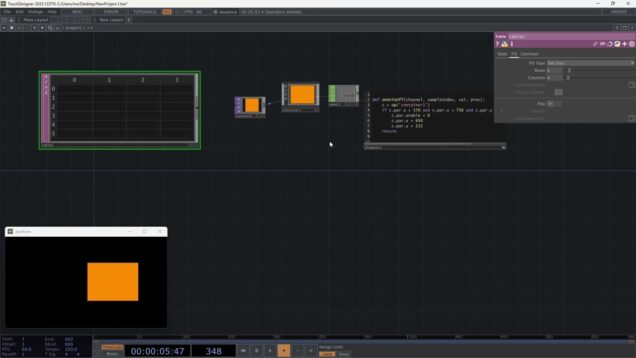
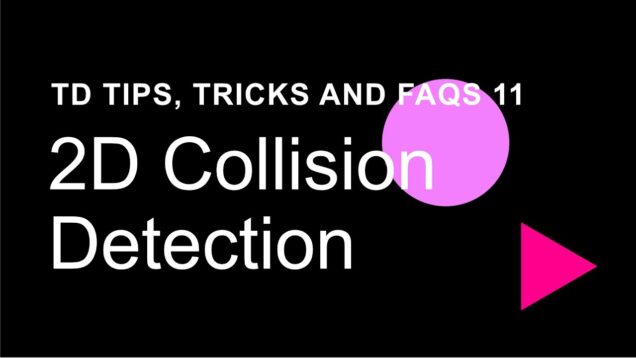
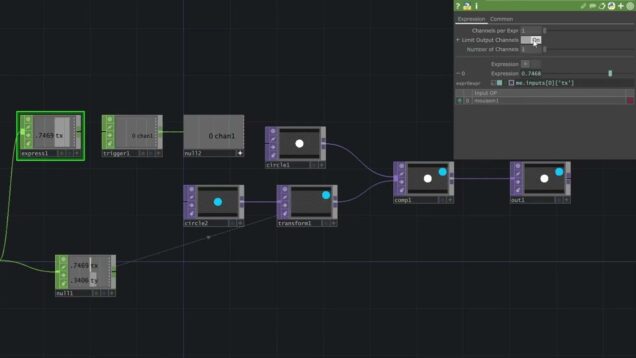
Simple 2D Collision Detection in TouchDesigner

Mark Tutorial Completed! This is a simple example of how you might detect and respond to two shapes colliding/overlapping in TouchDesigner.

Finding the display's aspect ratio in TouchDesigner

Mark Tutorial Completed! A quick tutorial showing several ways to calculate the display’s aspect ratio in TouchDesigner. There are some helpful Python tips along the way.

Scrubbing videos in TouchDesigner using the HAP codec

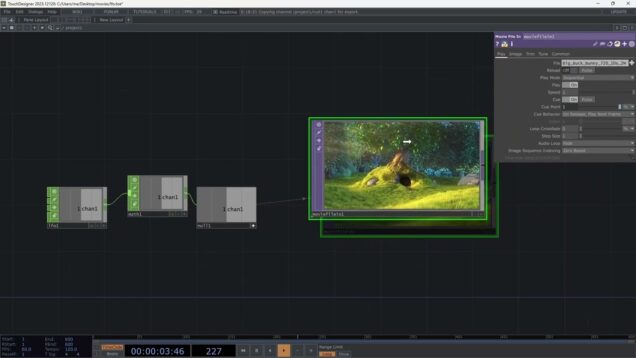
Mark Tutorial Completed! This video shows how the HAP codec is necessary if you want to scrub through videos in your TouchDesigner networks and shows how to convert your videos simply using ffmpeg.

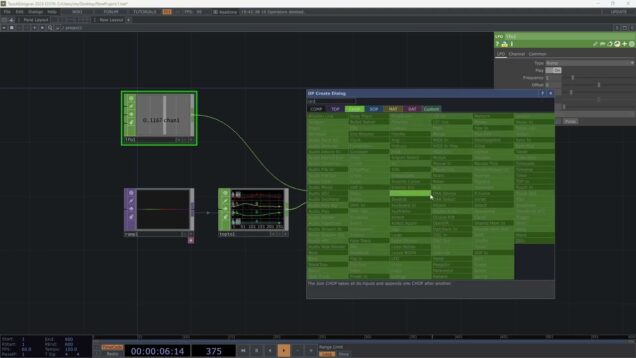
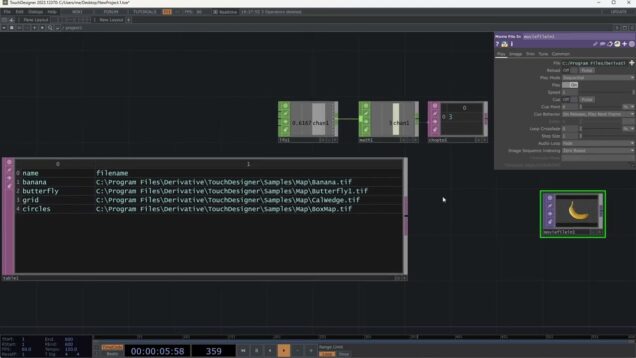
Switching between video/audio sources in TouchDesigner

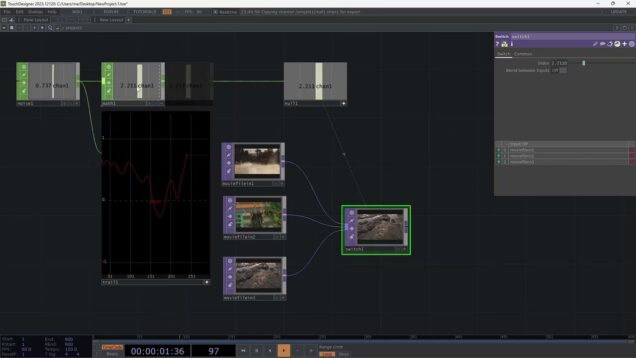
Mark Tutorial Completed! A bit about using the Switch TOP to switch/crossfade between video (and audio) sources – maybe based on interaction with an Arduino sensor or some other channel of data. I talk a bit about the Noise CHOP (which I use to simulate Arduino serial data) in the process as well.

Dealing with unruly Arduino sensor data in TouchDesigner

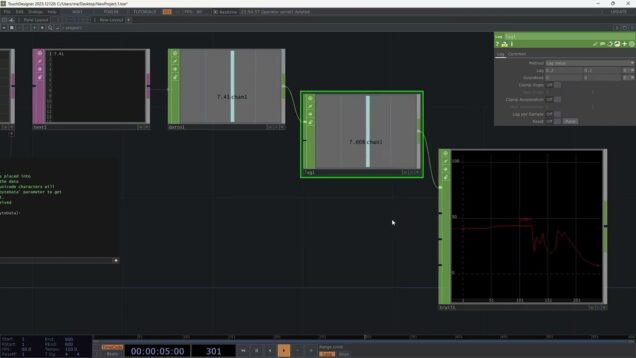
Mark Tutorial Completed! A short video showing some options for wrangling wild sensor data coming from an Arduino into TouchDesigner.

Arduino & TouchDesigner & Bitwise Math!

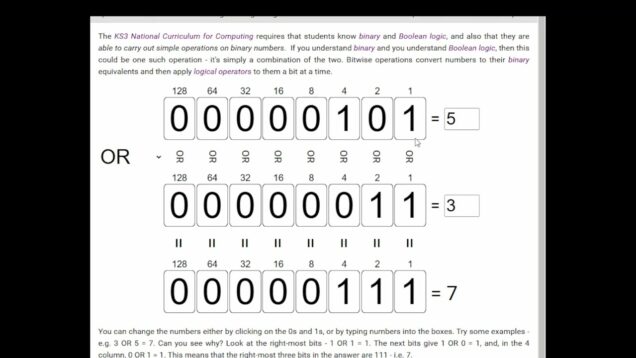
Mark Tutorial Completed! A tutorial that extends the previous Arduino/TouchDesigner video. This one uses bitwise math and a couple python tricks to send the state of three sensors/switches to TouchDesigner using a single byte. Some of the references from the video: My interactive binary/decimal web page: https://rahji.github.io/bits The interactive bitwise math webpage: https://www.advanced-ict.info/interactive/bitwise.html