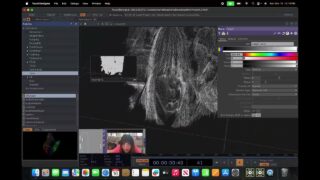
Realtime Particle Fluid Simulation in TouchDesigner Tutorial | SPH
In this tutorial we cover the SPH tool (short for Smoothed Particle Hydrodynamics) and the ‘Spheres’ tool. SPH is a particle based fluid simulation that can be controlled with custom forces and built-in parameters. ‘Spheres’ allows you to efficiently render perfectly smooth spheres in TouchDesigner.
You can download the tools and the project file on my Patreon:
SPH https://www.patreon.com/posts/sph-tool-for-144909292?utm_medium=clipboard_copy&utm_source=copyLink&utm_campaign=postshare_creator&utm_content=join_link
Spheres https://www.patreon.com/posts/spheres-new-tool-142812774?utm_medium=clipboard_copy&utm_source=copyLink&utm_campaign=postshare_creator&utm_content=join_link
Project File https://www.patreon.com/posts/146467861?utm_campaign=postshare_creator
00:00 Intro
02:07 The ‘Spheres’ Tool
09:07 SPH Tool overview
14:38 Collision Options
20:20 Using Text as a Collision Shape
22:38 T3D as a Collsion Shape
26:15 Custom Forces
31:10 Using the ParticlePOP with SPH
34:50 Color based on Velocity
37:22 Outro

About The Author






![Touchdesigner POP Particles constrained to inside an animated Mesh [Teaser]](https://alltd.org/wp-content/uploads/2025/11/touchdesigner-pop-particles-cons-1-320x180.jpg)