PIXEL BLOCK GAME FX – Transform Any Video into Retro Motion [TOUCHDESIGNER TUTORIAL]
The PIXEL BLOCK GAME FX files created in this tutorial are available for download on Patreon. Consider subscribing to gain access to these files and more http://patreon.com/Xtalcalx
Hello, this is Xtal!
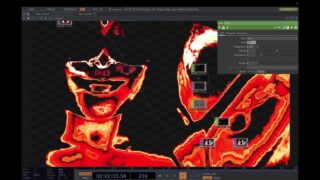
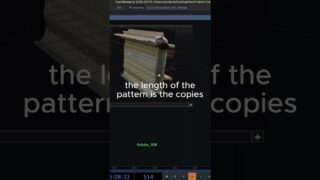
In this tutorial, we’ll dive into TouchDesigner and transform ordinary footage into a retro, block-game inspired motion visual.
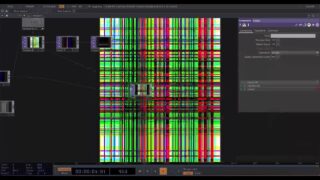
By breaking the resolution into pixel blocks, then combining Displace, RGB Key, Edge, and Bloom effects, we’ll go beyond simple pixelation and create glowing, dynamic blocks with a strong retro aesthetic.
This effect is versatile and can be applied in music videos, commercials, experimental art projects, and even live performances. Key techniques such as **resolution-based block control**, **motion with Displace**, and **neon-like Bloom effects** can also be adapted to many other creative workflows.
Creation is always about pushing boundaries and exploring new possibilities. Feel free to follow along step-by-step, but I encourage you to experiment with block size, displacement, and layering to develop your own unique style. I hope this tutorial sparks inspiration in your creative journey.
Video source imported through the Movie File In node: Ecco2K – Peroxide
Additional visuals generated with MidJourney AI
#touchdesigner #visualeffects #vfx #motiondesign #audiovisual #generativeart #digitalart #creativecoding#touchdesignertutorial #realtimevisuals #vjloops #projectionmapping #mediart #fxworkflow #visualtutorial

About The Author