How To Control Ableton With Your Hands | TouchDesigner Motion Tracking for Beginners
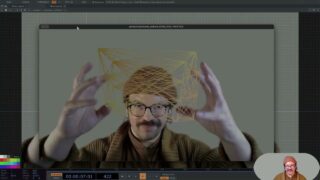
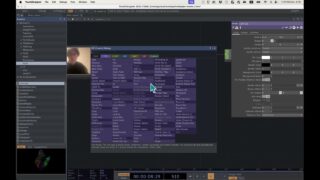
Hey guys! I got a lot of questions about how I control Ableton with this special method which many folks think of as a poor woman’s Imogen Heap gloves.. So here’s a little (hopefully) straightforward, quick tutorial on how to control Ableton with motion tracking aka with your hands with touchdesigner. A little imprecise for the sake of time but hopefully it makes things easier for those of you out there new to this land.
Everything you need resource wise—
Ableton Live: https://www.ableton.com/en/
TD Ableton: https://derivative.ca/UserGuide/TDAbleton
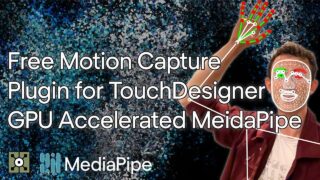
MediaPipe: https://github.com/torinmb/mediapipe-touchdesigner
Torin Blakensmith (Comprehensive Touchdesigner Tutorials, Media Pipe explanation): https://www.youtube.com/watch?v=Cx4Ellaj6kk&t=48s
CHAPTERS:
0:00 – What I’m demonstrating: Ableton Live and motion tracking
0:59 – What you need to do this
2:19 – Setting up your Touchdesigner project
6:45 – Setting up Ableton Live
8:11 – Setting your reference chop to Ableton parameter controls
9:05 – Quick demo
Find me elsewhere: https://linktr.ee/katebrunotts
Spotify (Music): https://open.spotify.com/artist/1vV2HAeSNkp97JK2tPpEoN?si=vjGI6UlqSMa0G8ReQieLeQ
Instagram: https://www.instagram.com/katebrunotts/
TikTok: https://www.tiktok.com/@katebrunotts


About The Author